WHEN SHOULD YOU FACTORY RESET YOUR PHONE
 DesKO
DesKO
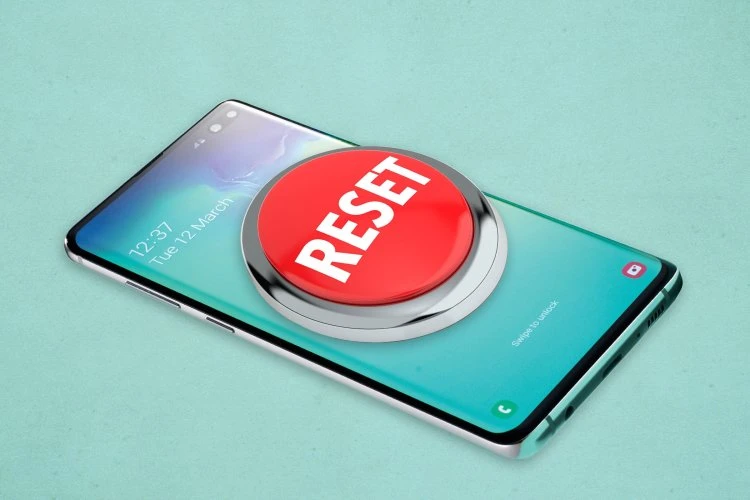
There are many reasons that would account one doing factory resetting on his or her smartphone. Factory reset restores your device to it original state of manufacturing
Some reasons why you would want to reset your device might be:
•Device is not responding
•Device freezes frequently
•Apps gives 'unfortunately has stopped'
•System Ul keeps crashing
•Apps no longer installs etc
Know that a factory reset will clear all the information on your phone so you needto back up your contacts, pictures, videos, documents and anything else you won't regret losing. Otherwise the remainder are the settings pre-installed by the manufacturer, and the files downloaded to the SD card. But any apps on the card will need to be reinstalled or restored from the backup file.
So ensure you do a backup before performing a factory reset because if you do not you will lose all your data.
How to factory reset your Android phone
Go to your Settings
In the search bar type Factory data reset
Tap on Reset button
Note:Depending on the model of your phone, these options might differ
How to factory reset your iphone
When it comes to factory resetting your iPhone, the first avenue you should follow is making sure all your data is backed up. Once your content is saved to iTunes or iCloud (to avoid all your personal information getting lost), you can move on to the next step. You’ll tap Settings before going to General. Once you’re in General, you’ll scroll to the bottom until you see Reset.
Sources: google, Xclub